HMIs
Showing all 30 results
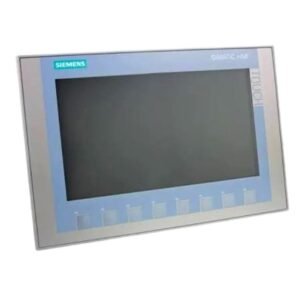
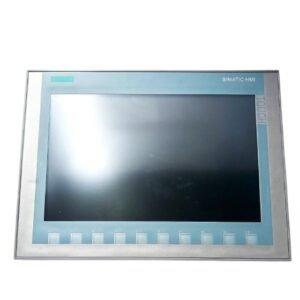
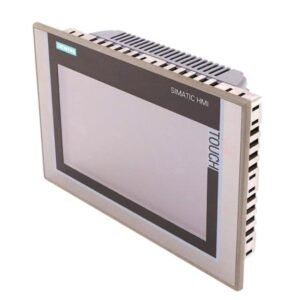
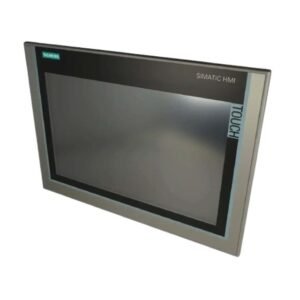
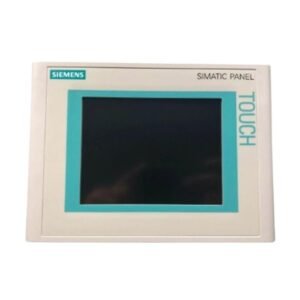
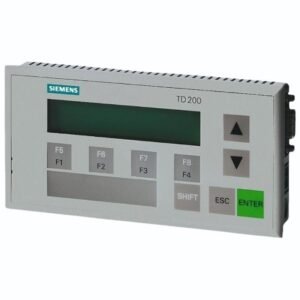
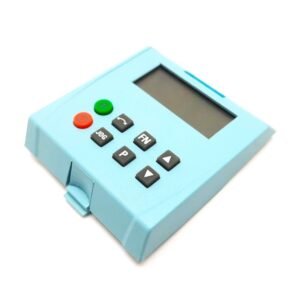
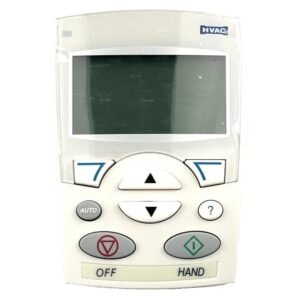
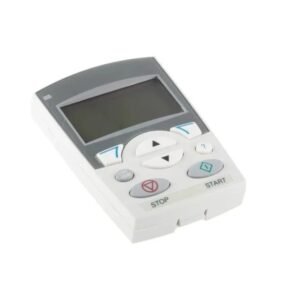


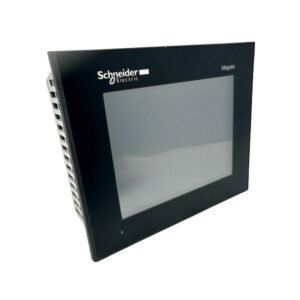
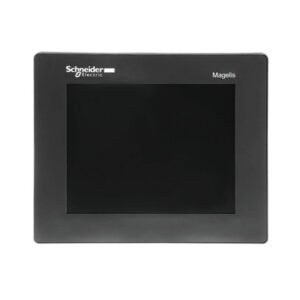
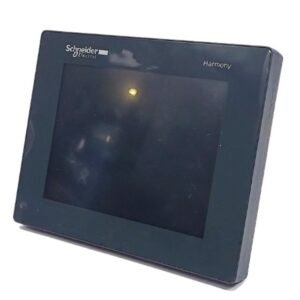

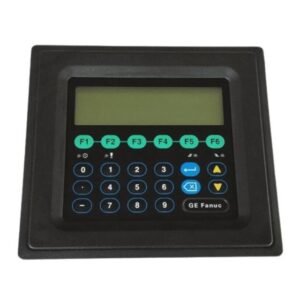
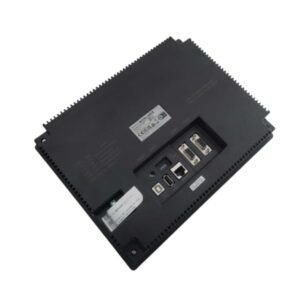
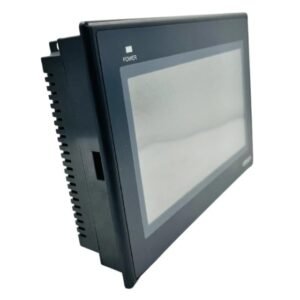
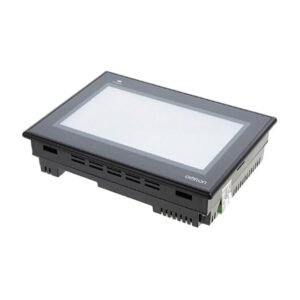
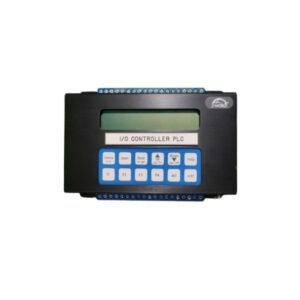
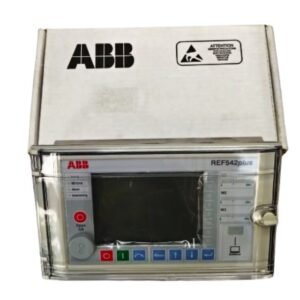
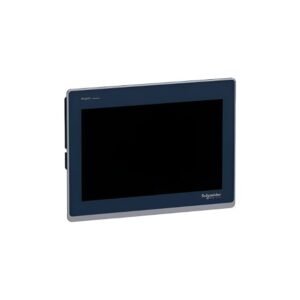
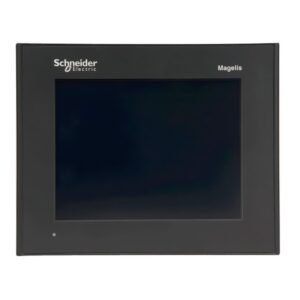
HMIs
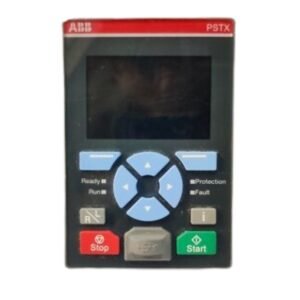
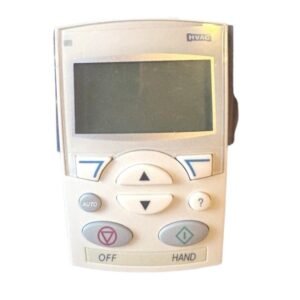
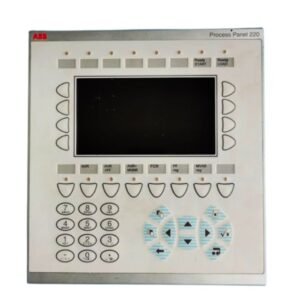
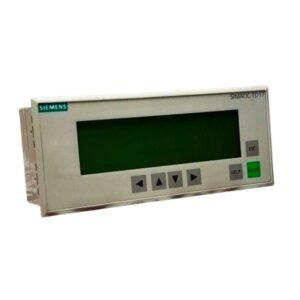
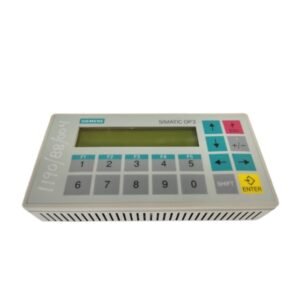
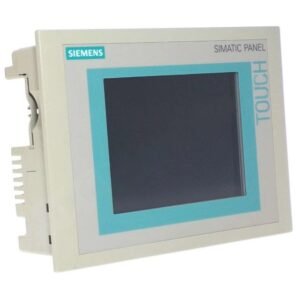
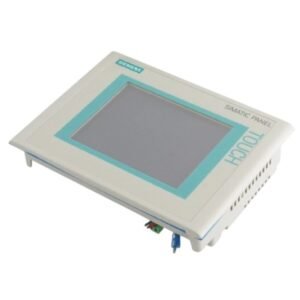
Human-Machine Interfaces (HMIs) provide an interactive connection between operators and industrial equipment. They allow users to view operating information, monitor processes, enter commands, and interact with automation systems through a graphical interface.
Adatronix offers HMIs for industrial automation, machine operation, process monitoring, and equipment control applications. Different HMI models can vary in display size, resolution, communication options, mounting requirements, and environmental specifications, so choosing a compatible model is important.
What Are HMIs Used For?
HMIs give operators a practical way to interact with machines and automation systems. Common applications include:
- Machine Operation: Provide controls for starting, stopping, adjusting, and monitoring equipment.
- Process Monitoring: Display process values, equipment status, alarms, and operating information.
- Control Panels: Give operators access to equipment controls within industrial panels.
- Factory Automation: Support operator interaction with automated machinery and production systems.
- Equipment Maintenance: Help technicians view system conditions, check status information, and identify operating issues.
How to Choose the Right HMI
Before selecting an HMI, compare its specifications with the automation system, installation space, and operator requirements.
1. Check Display Size and Resolution
Choose a display that provides enough viewing space for the information and controls required by the application. Check the resolution to ensure clear presentation of graphics, values, menus, and status information.
2. Select the Operator Interface
Check whether the HMI uses a touchscreen, buttons, or another control interface. Choose an option that suits the way operators interact with the equipment.
3. Review Communication Requirements
Check the communication interfaces and protocols supported by the HMI. Make sure the unit can communicate with the controller and other equipment in the existing system.
4. Check Mounting Requirements
Compare the HMI dimensions, panel cutout, and mounting arrangement with the available installation space. This becomes especially important when replacing an existing HMI.
5. Match Power Requirements
Check the required supply voltage and other electrical requirements before installation. The HMI should match the power available in the equipment or control panel.
6. Consider the Operating Environment
Review temperature, humidity, dust, vibration, and other environmental conditions at the installation location. Choose an HMI that suits the conditions of the application.
7. Verify Software Compatibility
For replacement applications, check the software, configuration, and programming requirements of the existing HMI system. This can help prevent compatibility issues during installation and commissioning.
HMI Specifications to Check
| Specification | What to Check |
|---|---|
| Display Size | Determines the available screen area for controls and operating information. |
| Display Resolution | Affects the clarity of graphics, values, menus, and status information. |
| Input Method | Identifies whether the HMI uses a touchscreen, buttons, or another operator control method. |
| Communication Ports | Shows which interfaces can connect the HMI with controllers and other system equipment. |
| Supported Protocols | Helps confirm compatibility with the existing automation network. |
| Mounting Dimensions | Confirms whether the HMI fits the available panel space and mounting arrangement. |
| Power Supply | Identifies the electrical input required for operation. |
| Environmental Rating | Indicates whether the HMI suits the temperature, humidity, dust, vibration, and other conditions of the installation. |
Frequently Asked Questions
What is an HMI?
HMI stands for Human-Machine Interface. It is an operator interface that displays information and allows users to interact with industrial machines and automation systems.
How is an HMI used in industrial automation?
An HMI can display equipment status, process information, alarms, and operating controls. It allows operators to monitor and interact with an automation system.
What should I look for when selecting an HMI?
Check the display size and resolution, input method, communication interfaces, supported protocols, power requirements, mounting dimensions, software compatibility, and environmental specifications.
Can I replace an HMI with a different model?
A replacement may be possible when the new HMI meets the physical, electrical, communication, software, and environmental requirements of the existing system. Compare these specifications before selecting a replacement.
Why choose Adatronix for HMIs?
Adatronix offers HMIs for industrial automation, machine operation, process monitoring, and equipment replacement requirements. You can compare available products and specifications to find a model that matches your system and application.
Find the Right HMIs
Browse the available products to find a part number that matches your existing equipment and system requirements.